
 EZCast
Android uygulaması
EZCast
Android uygulaması
 EZCast Android İndir
| EZCast Hakkında | ||
| Fiyat | : | Ücretsiz |
| Sürüm | : | 2.14.0.1340 |
| Geliştirici | : | Winner Wave Limited |
| Güncellenme | : | 24.10.2026 |
Android için EZCast
Since ver.1.1.550, EZCast App supports casting local multimedia, camera, web surfing, cloud video, cloud storage, multi-screen games to your Apple TV. Enjoy EZCast App's fantastic functions for EZCast dongles, Chromecast dongles and Apple TVs now.
EZCast cihazların açıklaması,adaptör veya kutu formunda, kablosuz platformlar arası birbirlerini gösteren cihazlar, internetden içeriğini beğendiğiniz görüntüleri kablosuz cihazlarınıza getirir. EZCast APP iOS için, WinnerWave tarafından geliştirildi, EZCast cihazları ile internetten ya da iPhone/iPad'dan kablosuz olarak dokuman ve multimedya gösterir.
Buna ek olarak, EZCast APP kablosuz görünüm standartlarını değiştirir (DLNA, Miracast…) ve ayarlar yolu ile uzakdan EZCast cihazlarını kontrol eder. Tam kullanma kılavuzu ve ilgili bilgi için www.iezvu.com' a bakınız. Please report your issues by EZCast Comment function (Comment icon on the EZCast desktop). We will check the issues and answer you directly.
Gerekenler: IOS 8+, EZCast adaptör ya da kutu Destekledikleri: Yerel Fotoğraf görünümü, yerel müzik/ Video gösterimi Web kullanımı ve internet video gösterimi MS Office doküman sunuşu DLNA dönüştürücü gibi (DMR) Miracast yansıtıcı EZCast cihazları için kontrol ayarları Current Possible Connections are as follows:
Android/iOS/Windows/Mac/Windows Phone EZCast App to EZCast dongles/boxes Android/iOS EZCast App to Chromecast dongles Android EZCast App to EZCast Screen App in Android devices (iOS version will be soon released)
Airplay/DLNA/Miracast to EZCast dongles Airplay to EZCast Screen App in Android devices
For more information, please refer to EZCast official site: www.iezvu.com EZCast, Happy Casting If you encounter error code 963 / 903 from google play: 1) Clear the application Cache / Data for the Google Play Store and Google Play Services through the Application Manager in Settings. 2) Reopen the Play Store, navigate to Settings and scroll to the bottom of the page, if you're on build 5.5.12, you're OK to proceed.
If your device is on an older revision, please wait a bit until the Play Store automatically pushes the latest build to your device. 3) Navigate to Settings -> Storage and select: "Unmount SD Card" 4) Navigate back to the Play Store and attempt to download updates, or any other application /game you were previously having issues downloading. 5) Observe the results, if the problem goes away, great!
If not, try physically taking the SD card out of your device, rebooting and following all of the above steps in order.
EZCast - QR Kodu
Telefon kameranızla okutarak mağaza sayfasını açabilirsiniz.
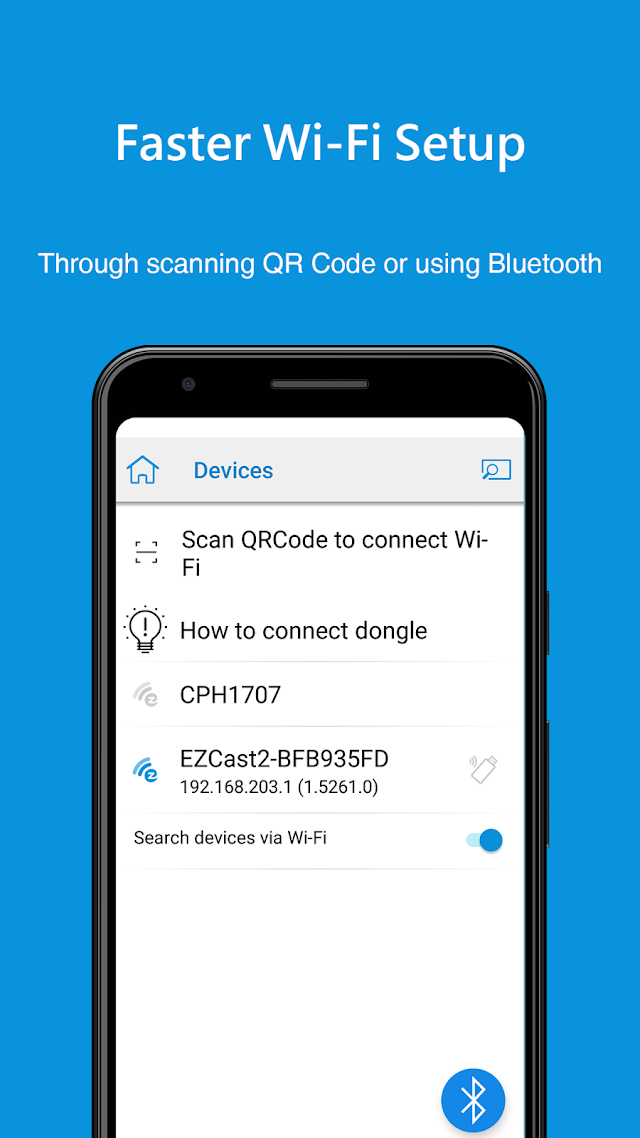
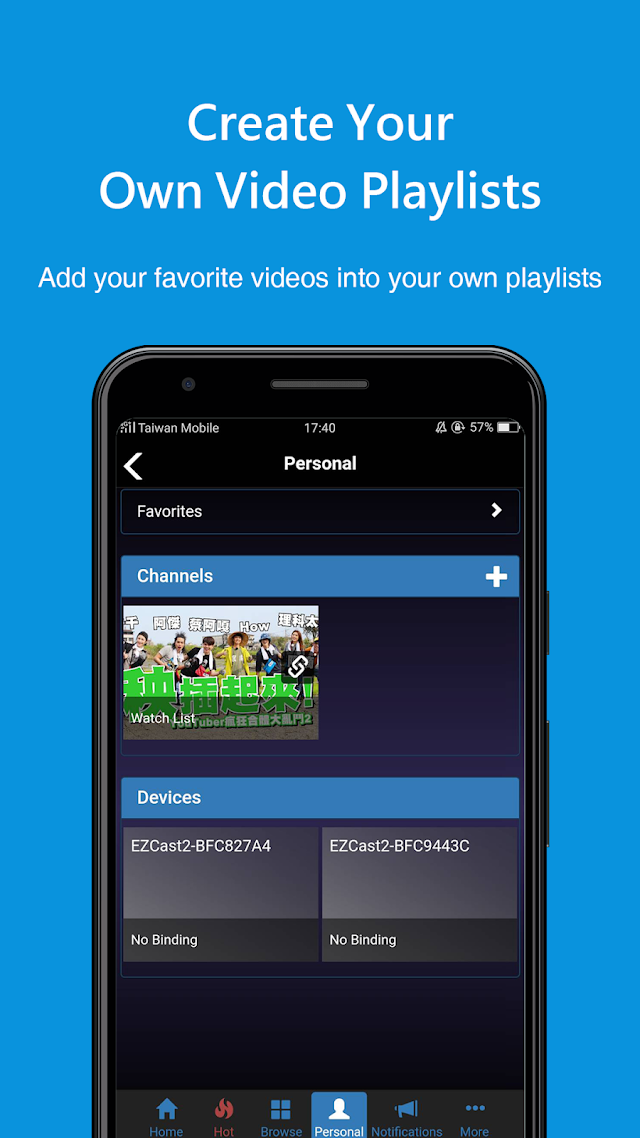
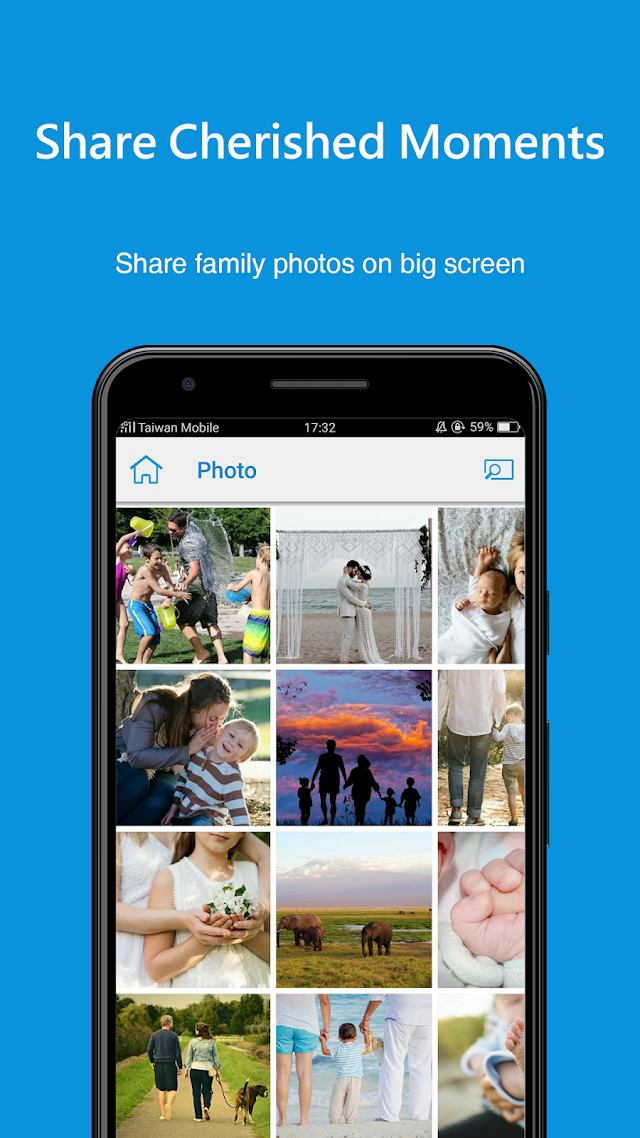
Android için EZCast Ekran Görüntüleri
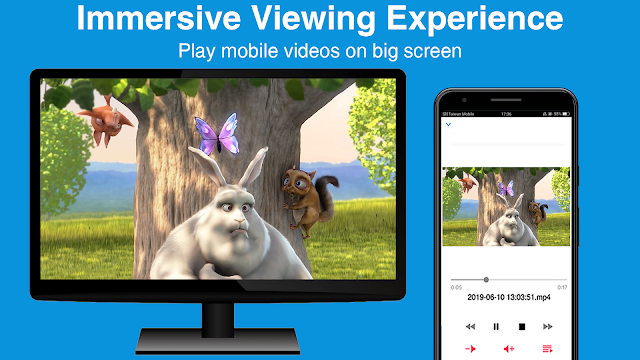
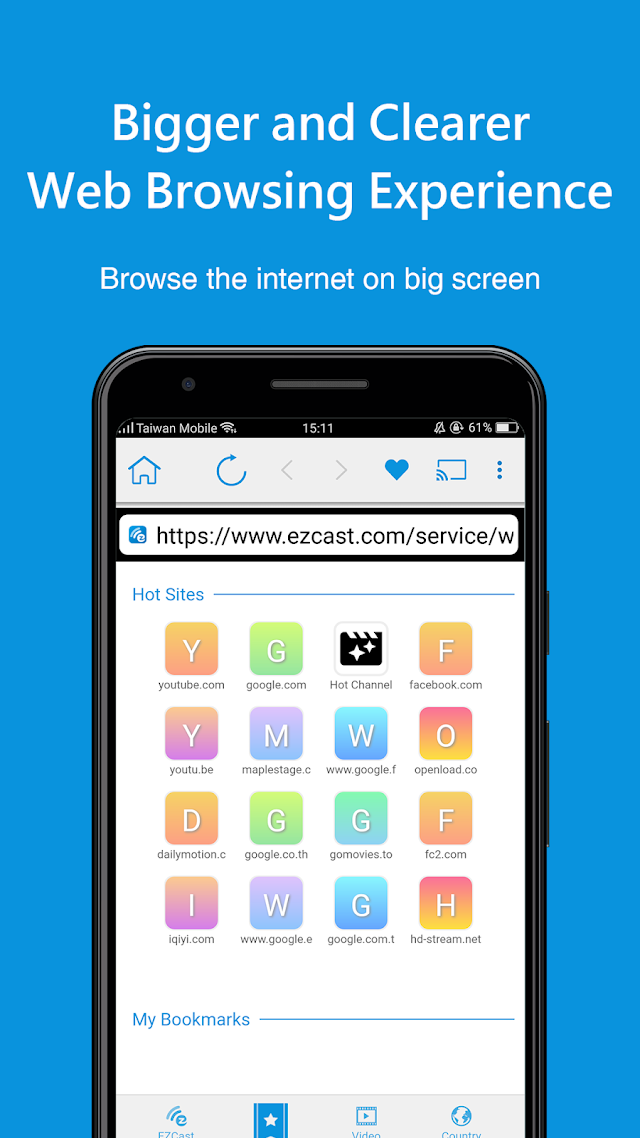
- Benzer Uygulamalar
 Duvar kağıtları
Ücretsiz Splashtop Personal
Ücretsiz AppBrain Ad Detector
Ücretsiz Beko TV Remote
Ücretsiz Green Zen Live Wallpaper
Ücretsiz Unified Remote
Ücretsiz Any.do - Görevler + Takvim
Ücretsiz Google Analytics
Ücretsiz UpCall - Bilinmeyen Numara
Ücretsiz McAfee Security: Antivirüs VPN
Ücretsiz